How do I use 3D mode in Bushfire.io Pro?
- Disaster Science
- Bushfire.io pro
- December 29, 2022
Table of Contents
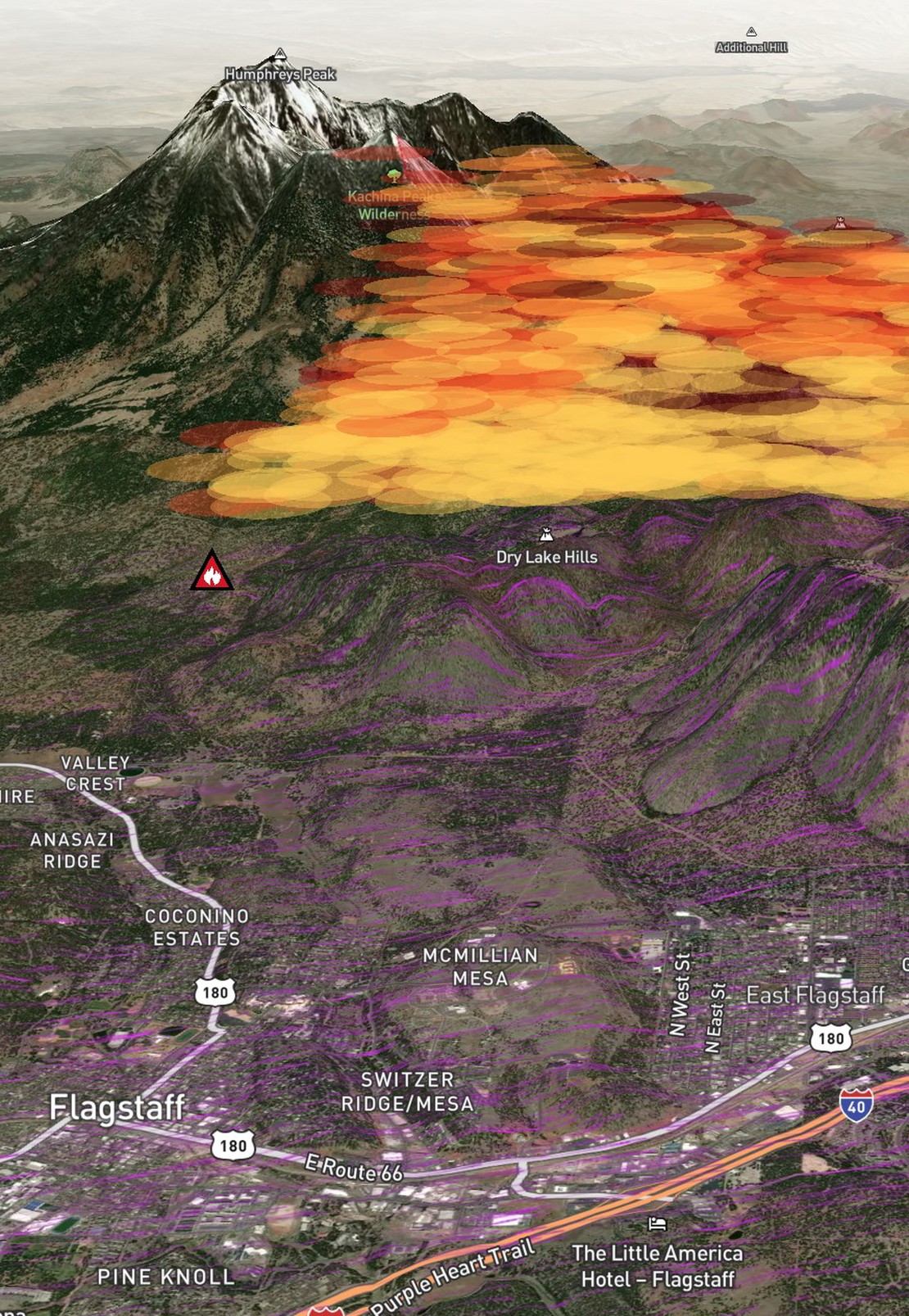
Bushfire.io 3D Mode is available on Bushfire.io Pro, Business and Enterprise. You can subscribe or find out more at https://bushfire.io/ux/plans.
Info
Requires a subscription to Bushfire.io Pro, Business or Enterprise.
When you get lost in 3D mode…
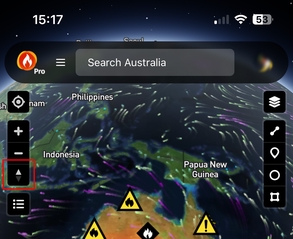
Before you start using 3D mode, learn how to return to North-Up. This resets your view to a North-Up map, which helps if you get lost.
- Tap the compass icon in the top left of your screen.
To Enable 3D on a Mobile Device
- Slide two fingers up or down the screen to change the viewing angle.
- Move two fingers in a circular motion to rotate the map (for example, one finger moves from 12 o’clock to 1 o’clock, while the other moves from 6 o’clock to 7 o’clock).
To Enable 3D on a PC/Mac with a Mouse
Hold down the right mouse button and move the mouse to change the perspective.
To Enable 3D on a PC with a Touchpad
Hold down the Ctrl/Control key, click with the touchpad and move your finger around to change the perspective.