How do I Cancel Bushfire.io Pro?
- Disaster Science
- Bushfire.io pro
- December 29, 2022
Table of Contents
We’re sorry to see you go 🙁 If there is anything we can do to improve, please tell us through feedback. Every feature and fix we make comes from your suggestions, even the small annoyances.
How you cancel depends on how you signed up for Pro or Business.
General Cancellation Steps
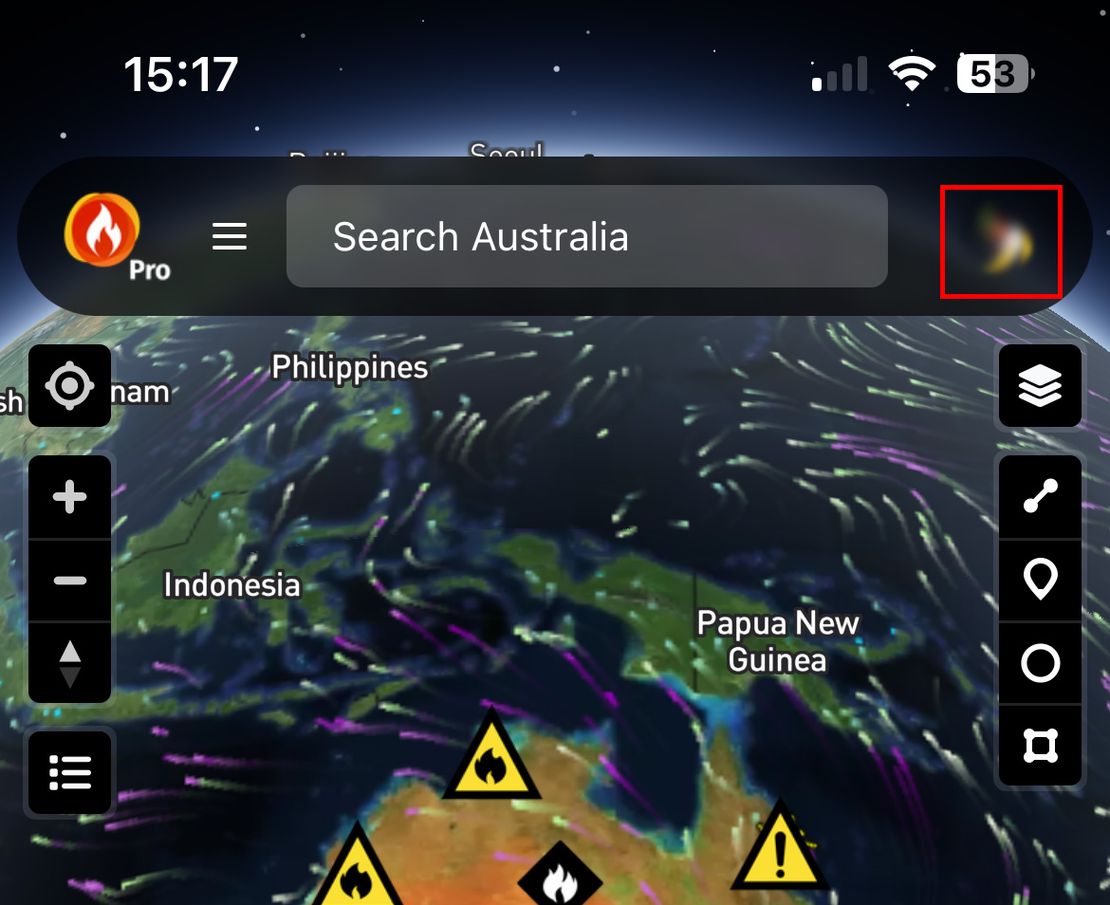
Log in to Bushfire.io, then go to My Account.
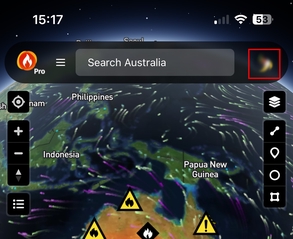
Select the subscription you’d like to manage.
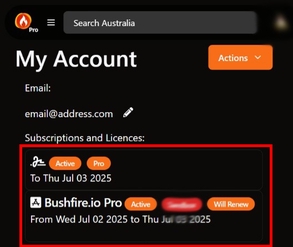
You see one of the options below, depending on your provider.
🔁 Stripe or RevenueCat Subscriptions
If your subscription was made directly through our website or in-app via RevenueCat:
- From the My Account screen, tap Actions, then choose Manage Subscription.
- A management page opens. Select Cancel Plan.
🍎 Apple Subscriptions (iOS / macOS)
Apple subscriptions must be managed through your Apple account.
- Open the Settings app on your iPhone or iPad.
- Tap your Apple ID, then choose Subscriptions.
- Select Bushfire.io, then tap Cancel Subscription.
More detailed Apple instructions: https://support.apple.com/en-au/HT202039
🤖 Google Play Subscriptions (Android)
Google subscriptions must be managed through Google Play.
- Open the Google Play Store app.
- Tap your profile picture, then go to Payments & subscriptions > Subscriptions.
- Select Bushfire.io, then tap Cancel Subscription.
More detailed Google instructions: https://support.google.com/googleplay/answer/7018481
🧑💼 Licences (Enterprise and Business Plans)
If you’re using a Business or multi-user licence, please contact your licence administrator, or email us at [email protected].