How to fix location or notification permissions
- Disaster Science
- Bushfire.io
- December 29, 2022
Table of Contents
Common Problems
- “I am having trouble enabling location or notification permissions”
- “I’ve recently updated my Android device, and I cannot receive notifications.”
Bushfire.io on Android
If you cannot turn on notifications, or you do not get any notifications, make sure that the Bushfire.io App has the correct permissions.
- Open the permissions for the Bushfire.io App.
- If Notification permission is off, turn it on.
- Restart the app.
- Set up notifications again in Bushfire.io.
Bushfire.io on iPhone / iPad
If you cannot turn on notifications, or you do not get any notifications, make sure that the Bushfire.io App has the correct permissions.
- Open the permissions for the Bushfire.io App.
- If Notification permission is off, turn it on.
- Restart the app.
- Set up notifications again in Bushfire.io.
Bushfire.io with Google Chrome
Bushfire.io with Brave
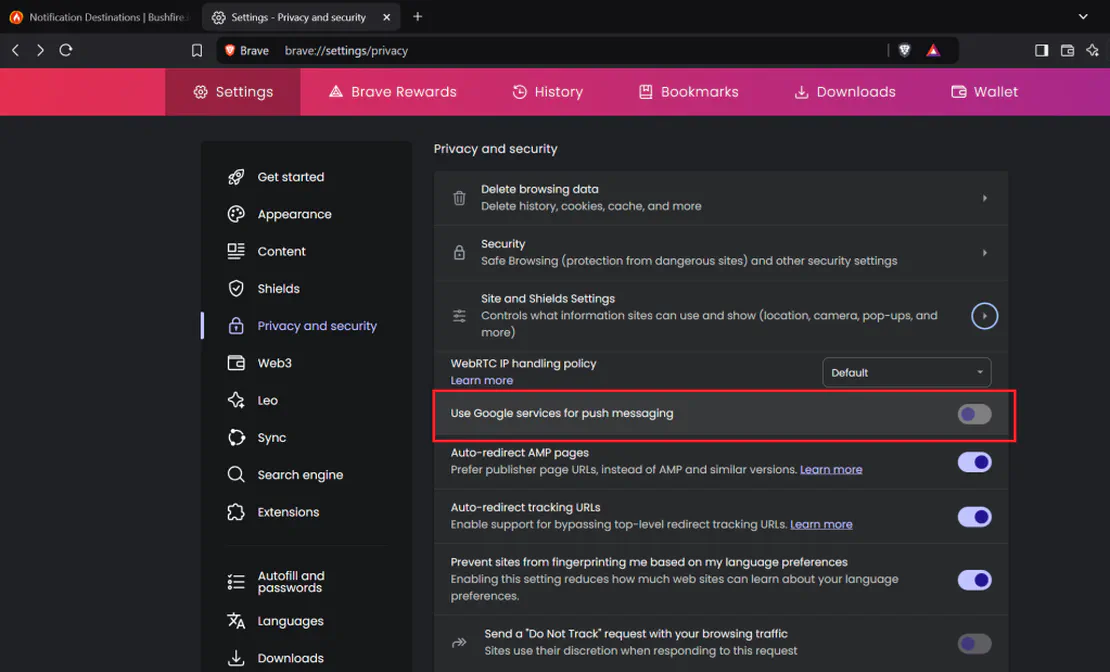
In Brave, turn on Google Services for Push Messaging. This setting is off by default. After you change it, relaunch Brave.
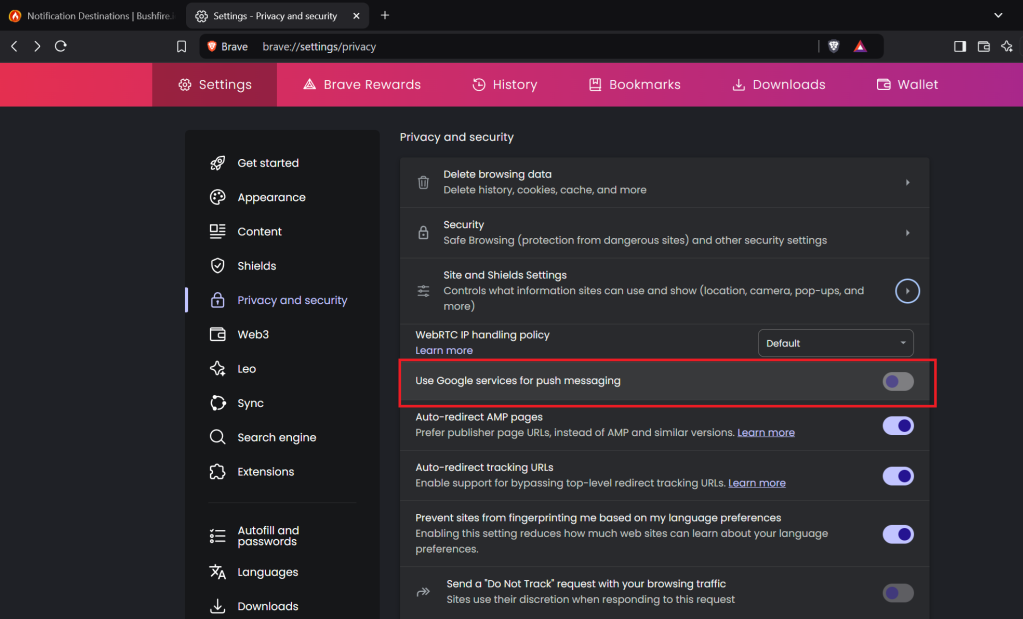
When you turn on push messaging, also make sure that Bushfire.io is allowed.