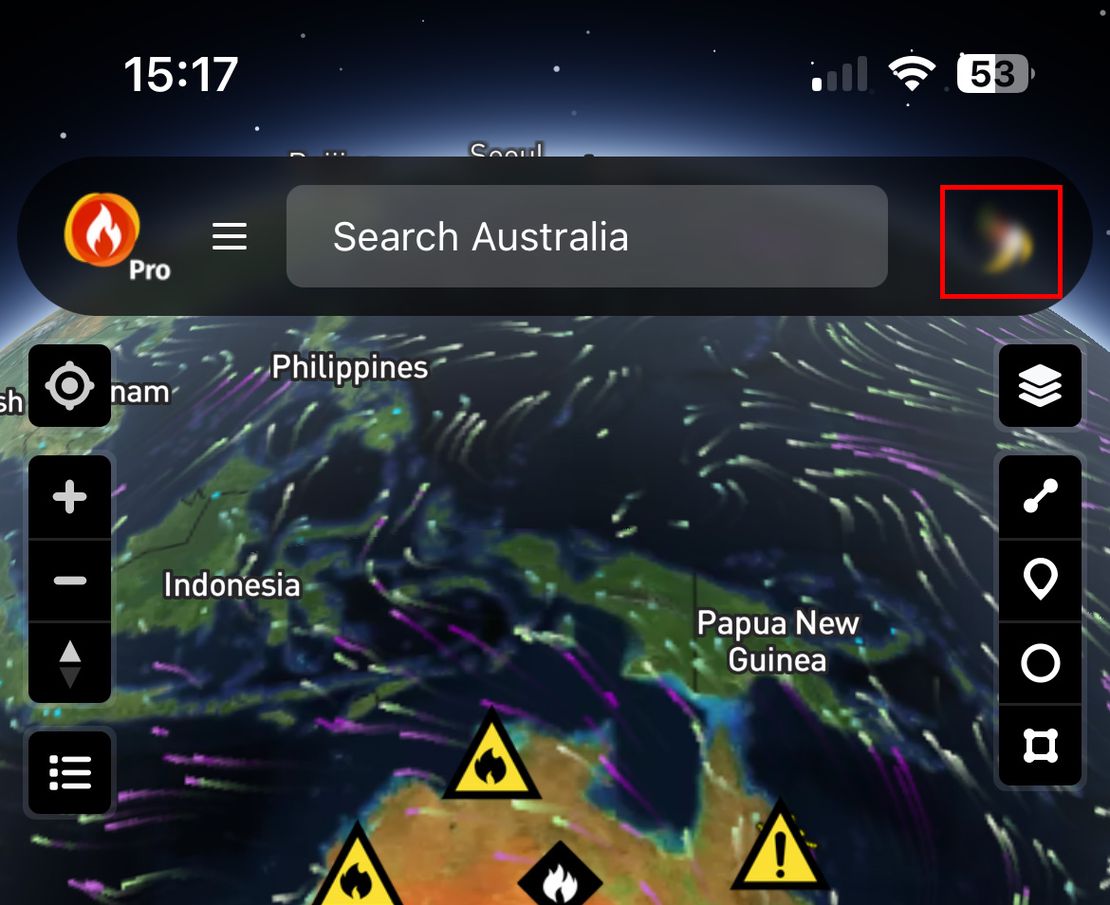
How do I fix a blank map/screen/app?
- Disaster Science
- Bushfire.io
- December 29, 2022
Table of Contents
Some users have a rare problem that makes the app or screen go blank. Work through the steps below.
Info
As of 2025, we are not aware of this problem on up-to-date devices. If you see it, contact us at [email protected].
Step 1: Check Connection and Force Quit (Web, Android and iOS)
First, try these quick checks:
- Open a web browser and load a website that you use often. If websites do not load, or load slowly, Bushfire.io can also take longer than usual to open.
- Force close Bushfire.io. The steps depend on how you use Bushfire.io:
- In a web browser: close the tab and go back to https://bushfire.io.
- On an iPhone or iPad: Force close Bushfire.io.
- On Android: Force close Bushfire.io.
Step 2: Reset Chrome (Android and PC)
On Android, we use Chrome to render part of the Bushfire.io app. Sometimes Chrome gets into a bad state.
- Open Chrome.
- Go to https://bushfire.io.
- Tap the site settings button, to the left of the address bar.
- Select Cookies and Site Data.
- Tap the rubbish bin (trash can) icon, then confirm.
- Go to https://bushfire.io again.


If this works, the app loads again on Android.
Step 3: Unload the Service Worker (Android and PC)
Bushfire.io uses a Service Worker, a browser component that lets our website work more like an app. If something goes wrong while the Service Worker loads (for example, the internet connection drops out or a file is corrupted), the app can stop working. These steps reset the Service Worker.
- Go to Diagnostics.
- Select Unload Service Worker.
- Select Reload.
- Select the logo at the top of the page to go back to the home page.

Step 4: Try a Different Browser or Device
Try Bushfire.io in another browser on your PC, Mac or phone. This shows whether the problem is limited to one browser.
- Download and install Firefox, Chrome or Microsoft Edge on your device.
- Go to https://bushfire.io.
- If it does not load, check that your internet connection is reliable. Try another device. Make sure that your device and web browsers are up to date. We only support devices made in about the past 5 years. If your device no longer gets operating system updates (this matters most for Apple devices), we probably cannot support it.
Step 5: Reach Out to Us
Contact us through Feedback or at [email protected].