How do I make someone a manager?
- Disaster Science
- Bushfire.io enterprise
- November 4, 2026
Table of Contents
There are two manager roles. Pick the role that gives the person only the access that they need.
Info
Requires an Organisation Manager on Bushfire.io Enterprise. Part of the Enterprise Admin Guide.
| Role | What the person can do |
|---|---|
| Organisation Manager | Everything in the organisation: create users, manage all licences, promote other managers, change settings and delete the organisation. |
| Licence manager | One licence only: assign users, remove users, add licence managers and rename the licence. |
Make someone an Organisation Manager
The person must already be a member of your organisation. If they are not, see How do I add a user?
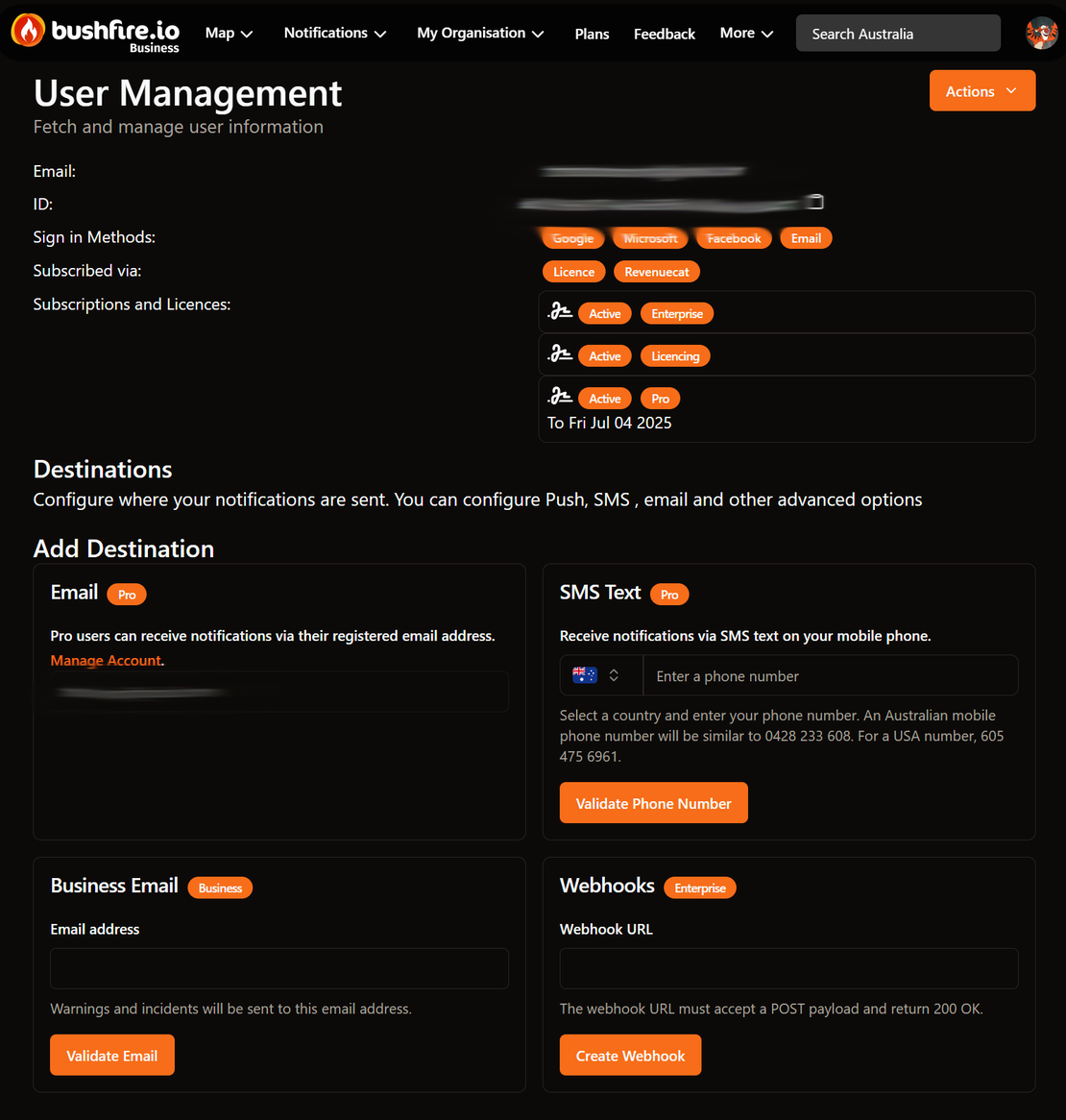
- Go to My Organisation > Users.
- Select the person. Their user page opens.
- Select Actions > Promote to (your organisation) Manager.

The app shows Successfully promoted. The Organisation Manager badge now shows beside the person in Organisation Users.
To create users, an Organisation Manager also needs an Enterprise licence.
To remove the role, select Actions > Demote from (your organisation) Manager.
Make someone a licence manager
- Go to My Organisation > Groups and Licences.
- Select the licence.
- In the Managers section, select the ➕ button. The Add Manager dialog opens.
- Select the person from the list. The list shows the members of your organisation.
- Select Add Manager.
The app shows Added manager to licence.
To remove the role, select Remove beside the name of the person in the Managers section.
Good to know
- Every Organisation Manager is also a licence manager for each licence of your organisation. You do not need to add them to each licence.
- Keep at least two Organisation Managers. If your only manager leaves, contact us to add a new one.
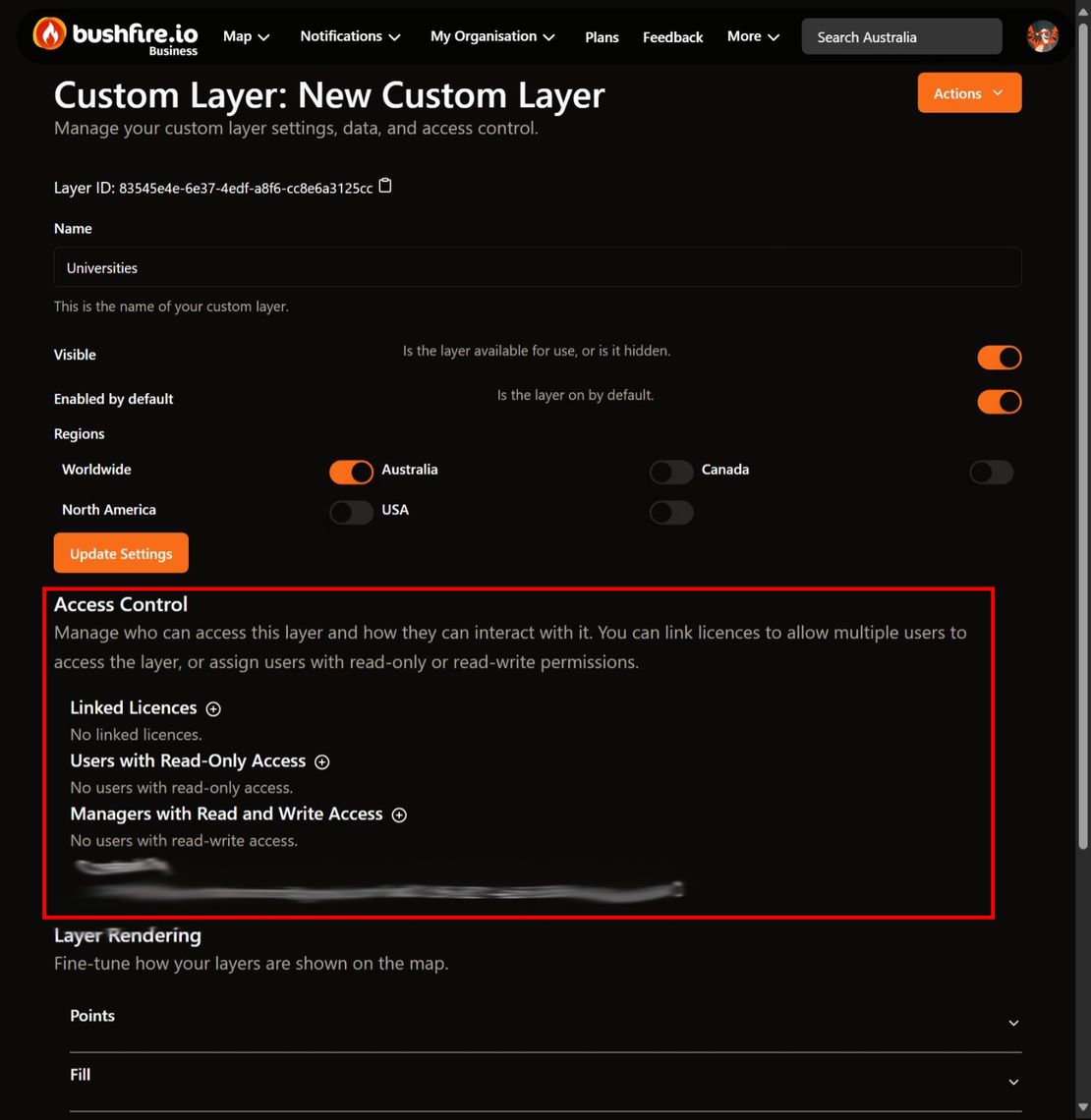
- Custom layers have a different manager list. See How do I share a layer?