We know your questions can’t wait—our FAQ is here to provide immediate answers to the most common queries about our products and services. Whether you need help troubleshooting or simply want to learn more, you’ll find what you’re looking for right here.
How is Bushfire.io secured?
Bushfire.io runs on infrastructure we own and operate in Australia, secured with enforced multi-factor authentication, Zero Trust access, encrypted storage and transport, continuous vulnerability management and centralised monitoring.
Read More
Why is my satellite imagery out of date?
If you’ve zoomed in on the Bushfire.io satellite map and noticed it looks years old (a recently built house missing, a new road not visible, a development that doesn’t appear), this page explains why, and what your options are.
Read More
Supported Devices
Bushfire.io is built to work across a wide range of devices and platforms — from phones and tablets to desktops and laptops. However, your experience will vary depending on the device, browser and hardware available.
Read More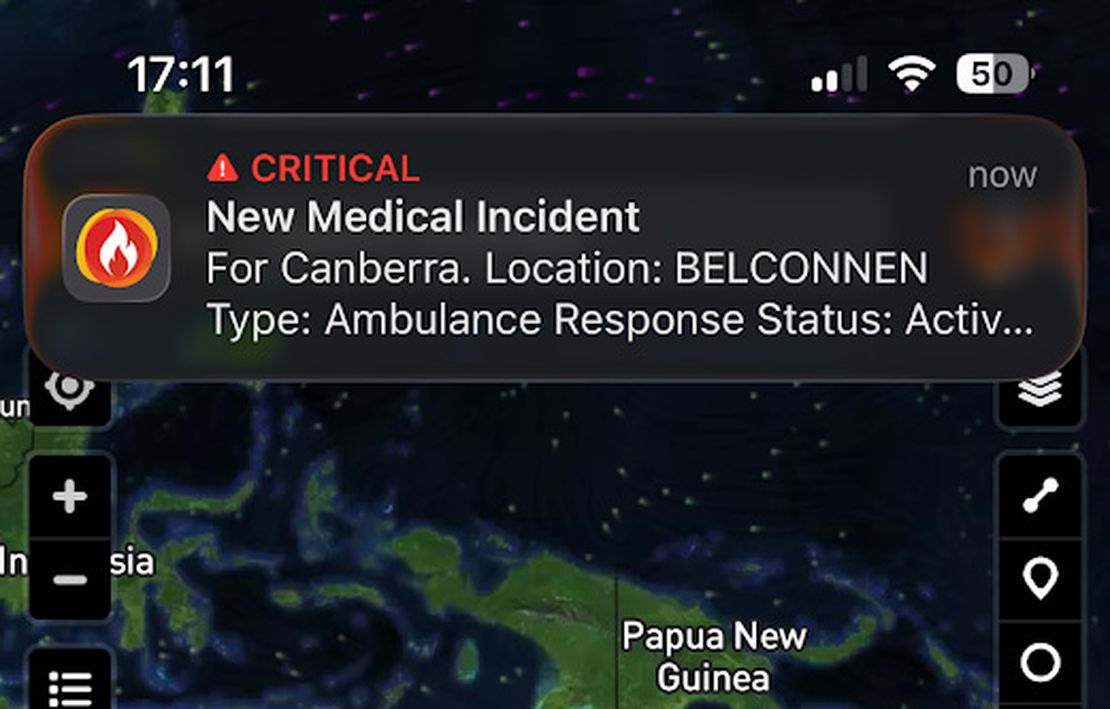
Using Critical Alerts
Bushfire.io now supports Critical Alerts on iOS and Do Not Disturb overrides on Android — allowing essential emergency warnings to sound even when your device is silenced. These features ensure that life-threatening alerts always reach you, even if your phone is in silent mode, Do Not Disturb, or focus mode.
Read More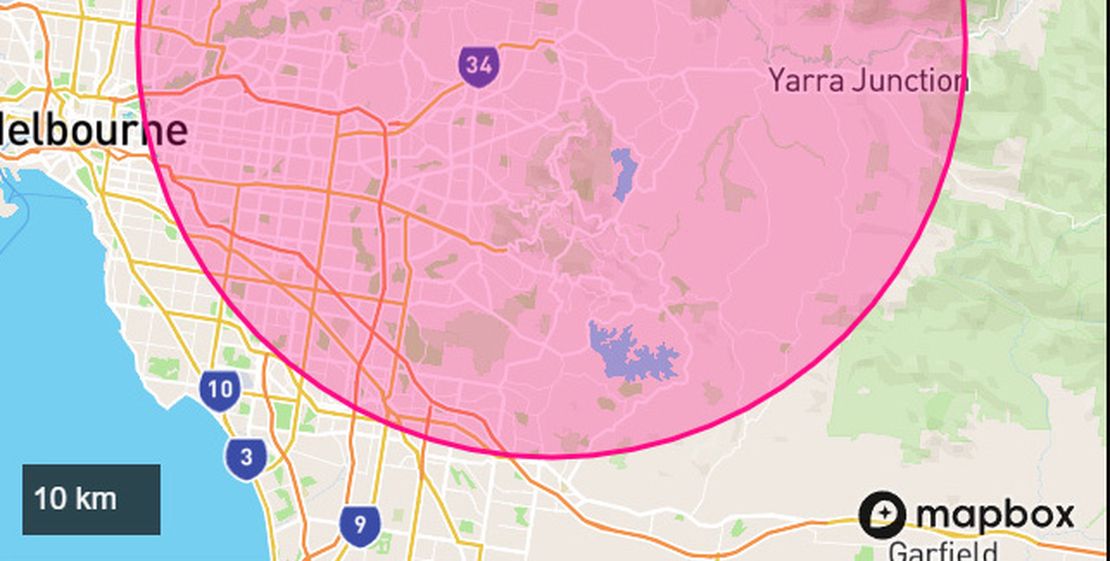
How to Setup Notifications
Bushfire.io allows you to receive notifications when fires, floods, storms, or other types of warnings or incidents occur anywhere in Australia, Canada, Europe, and the USA.
Read More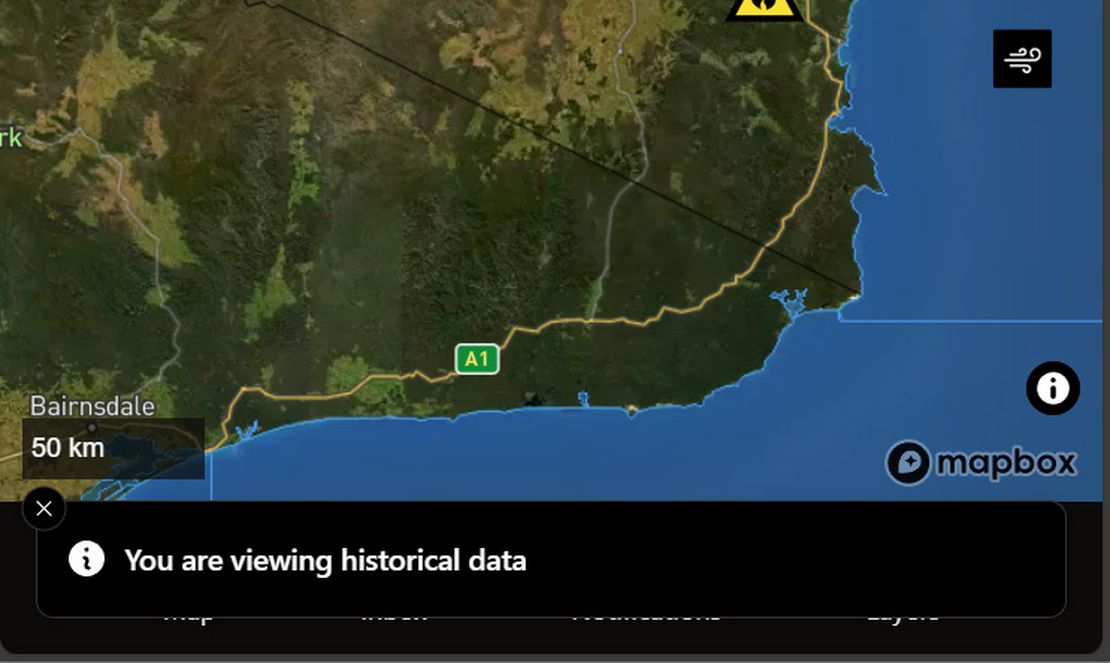
Using the Time Machine
Bushfire.io’s Time Machine lets you explore the map as it looked in the past or jump forward to view predicted wind conditions. Whether you’re reviewing how an incident unfolded or planning ahead, Time Machine provides an interactive way to see disaster data through time.
Read More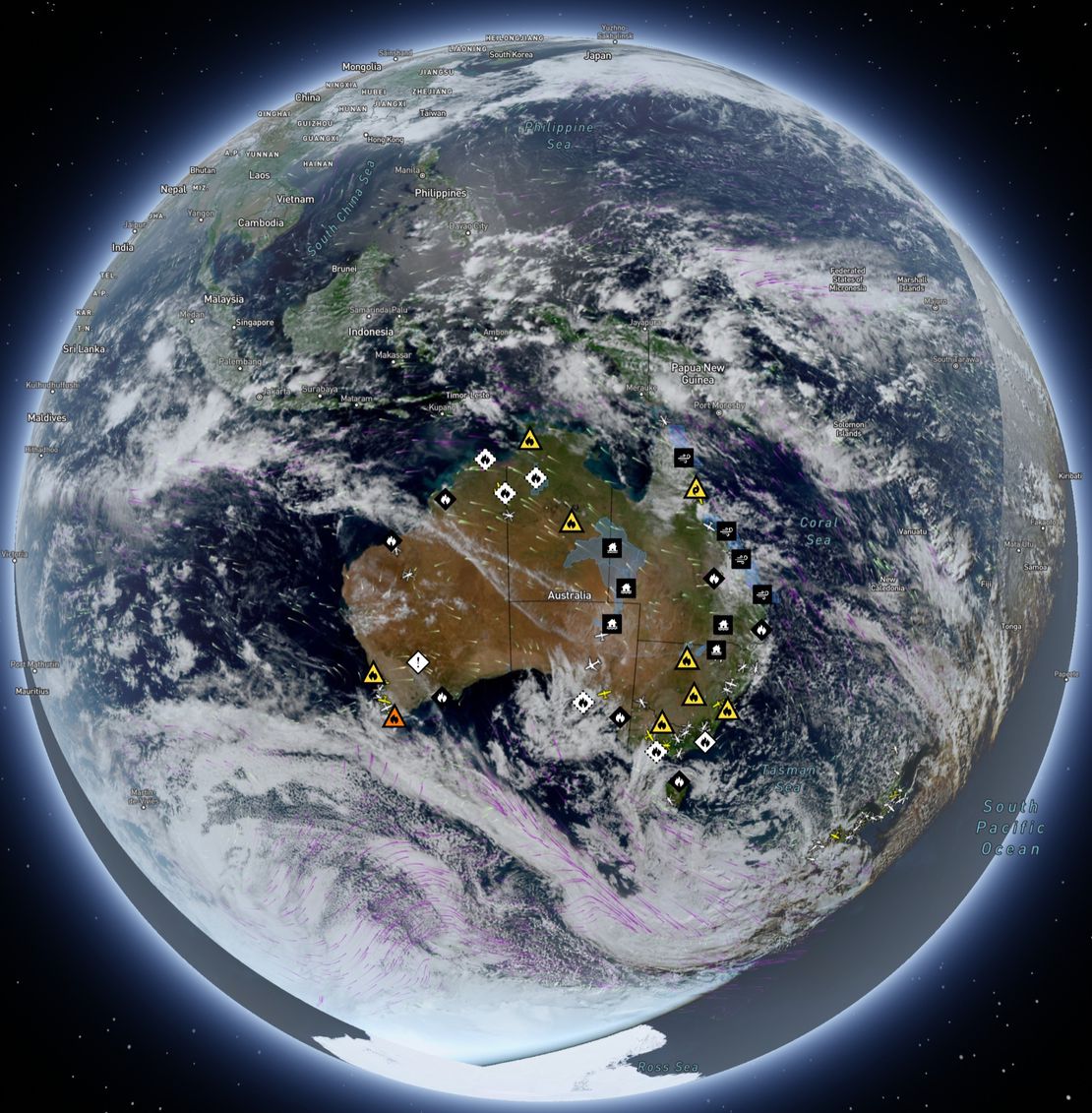
How-to use Satellite Imagery
When you open Bushfire.io, the map you see — with towns, roads, and landscapes — comes from base imagery similar to Google Maps. That’s a static snapshot, refreshed every year or two in populated areas, but less often in remote regions. (For more on why the static satellite base map can look out of date and how Pro’s ESRI imagery helps, see Why is my satellite imagery out of date?.)
Read More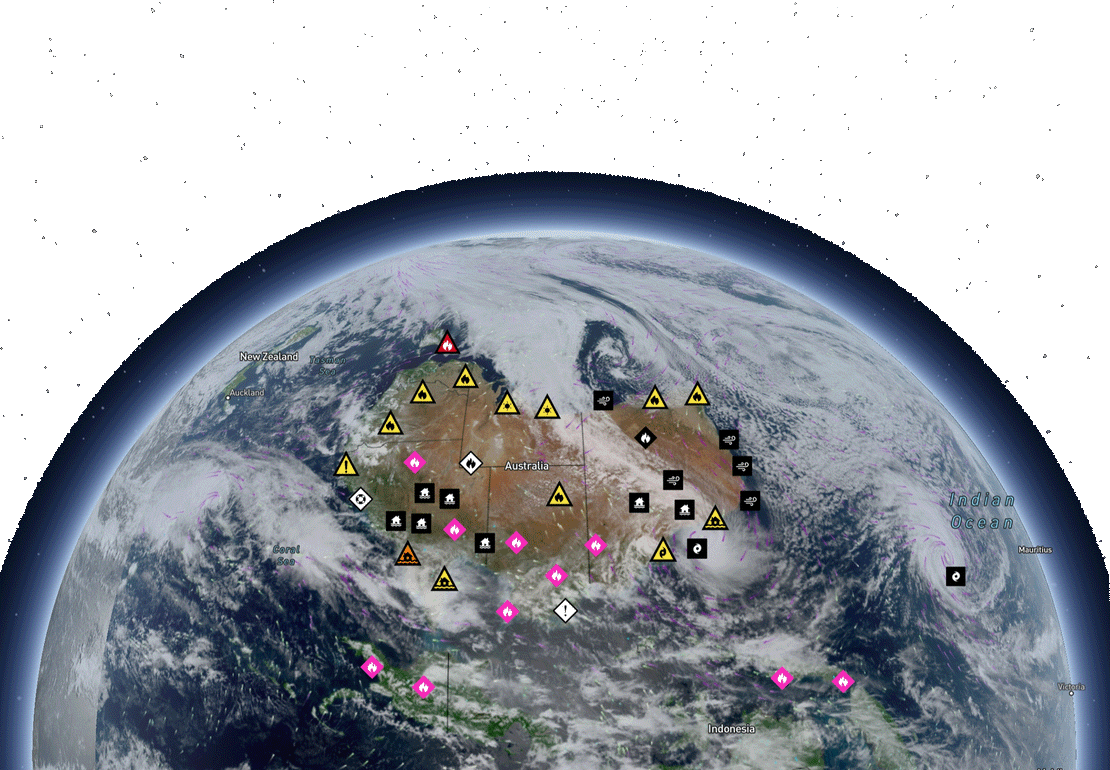
Supported Regions
Bushfire.io provides disaster intelligence across a growing number of countries and regions. The availability of features varies depending on the region, often due to differences in data sources, partner agency support, or technical constraints.
Read More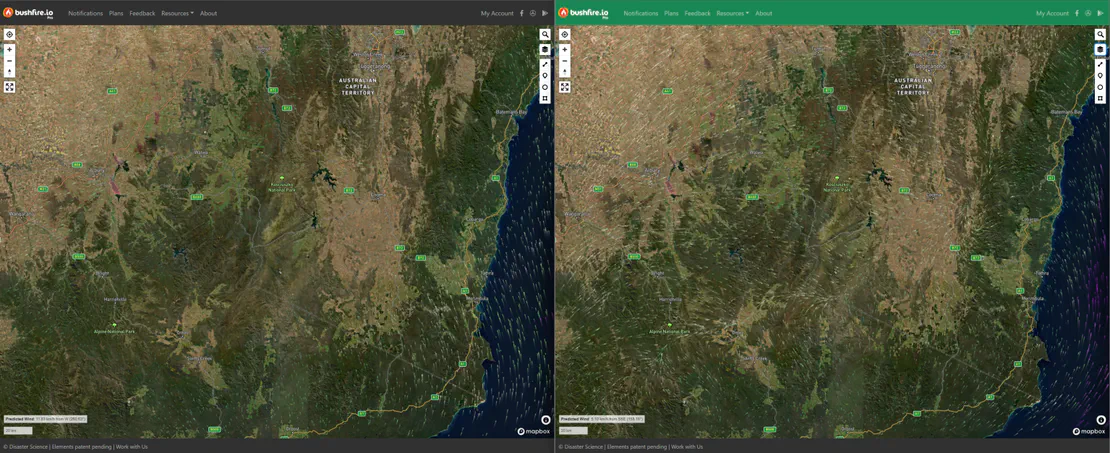
Using Different Wind Forecast Models
Bushfire.io Pro users can access multiple wind forecast models—including our new Australian Digital Forecast Database (ADFD) for Pro subscribers. ADFD is maintained by the Bureau of Meteorology (BoM) and better integrates local terrain and weather observations into its forecasts, making it especially reliable for Australian conditions.
Read More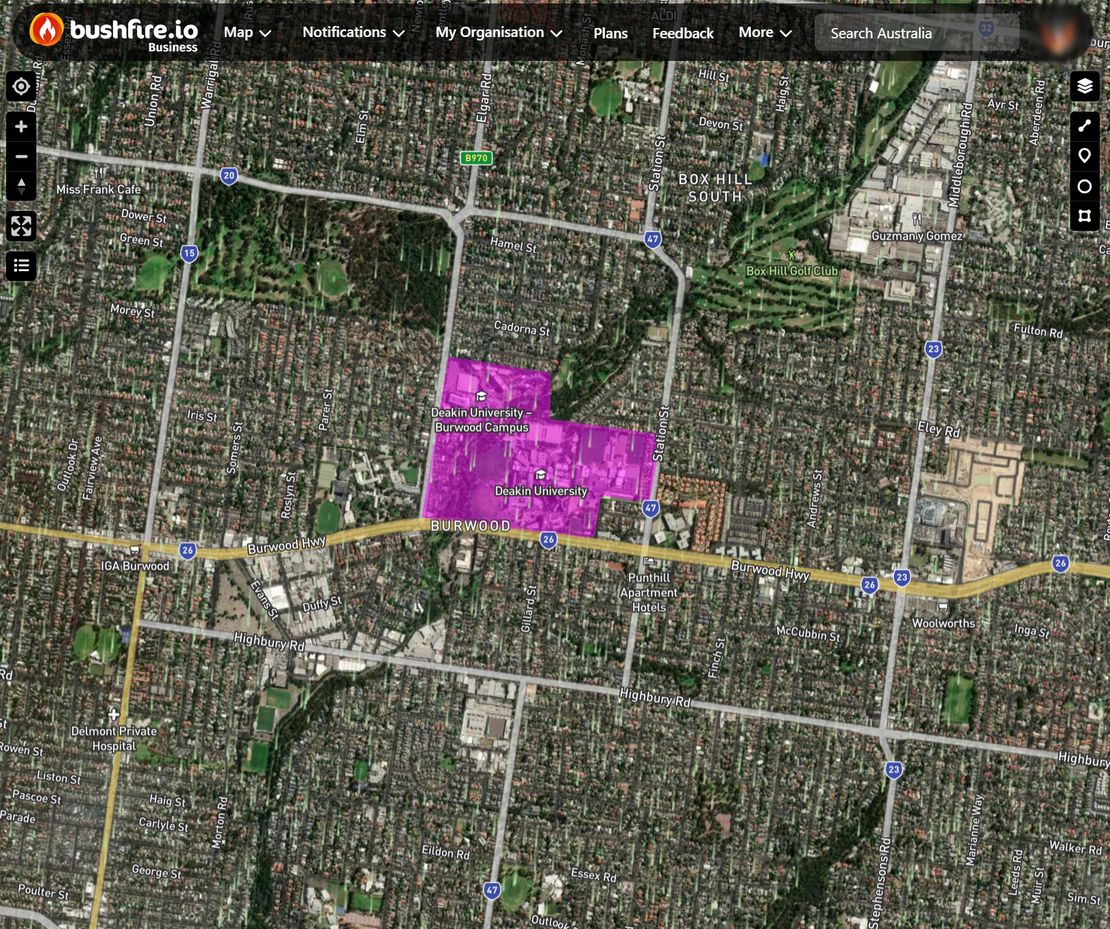
How do I Setup Custom Layers?
Custom Layers lets Business and Enterprise subscribers create and manage their own data layers—perfect for situational awareness, internal operations, or tailored overlays. You can customise how each layer looks, who sees it, and when you’re notified about relevant events nearby.
Read More